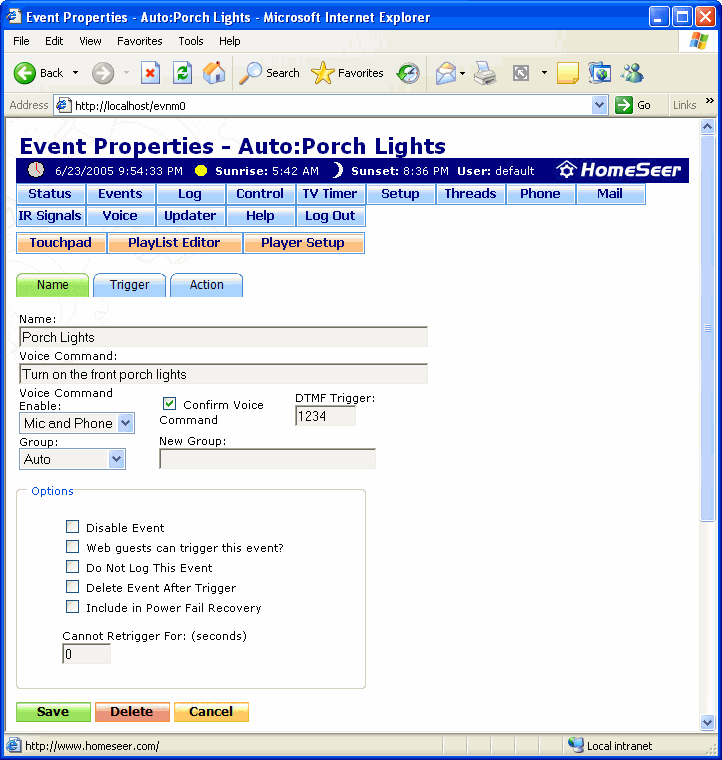
The Event Properties screen is where basic options for the specified event can be set, such as the name of the event, whether or not it will respond to voice commands, and so on.
To get to this screen, click Add Event from the Events screen to create a new event, or click the Name tab from the Event Trigger and Event Actions screens.
Click on the graphic below for more information on this screen.