
About the WS300
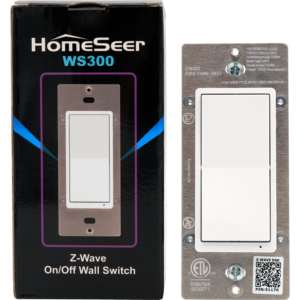
The WS300 is the latest 800 series Z-Wave smart-switch from HomeSeer. It is capable of single and 3-way configurations, it also offers remote and local control. It is Z-Wave enabled, supports S2 security and Z-Wave Long Range, hosts customizable LED’s and has the ability to activate multi-tap based scene control.
All about Multi-Taps (Scenes)
Multi-tap automations are a feature by which you can engage with your smart-space. They are saved automation scenes that can be activated conveniently from the WS300, they are customizable and are only limited in scope by your needs and imagination.
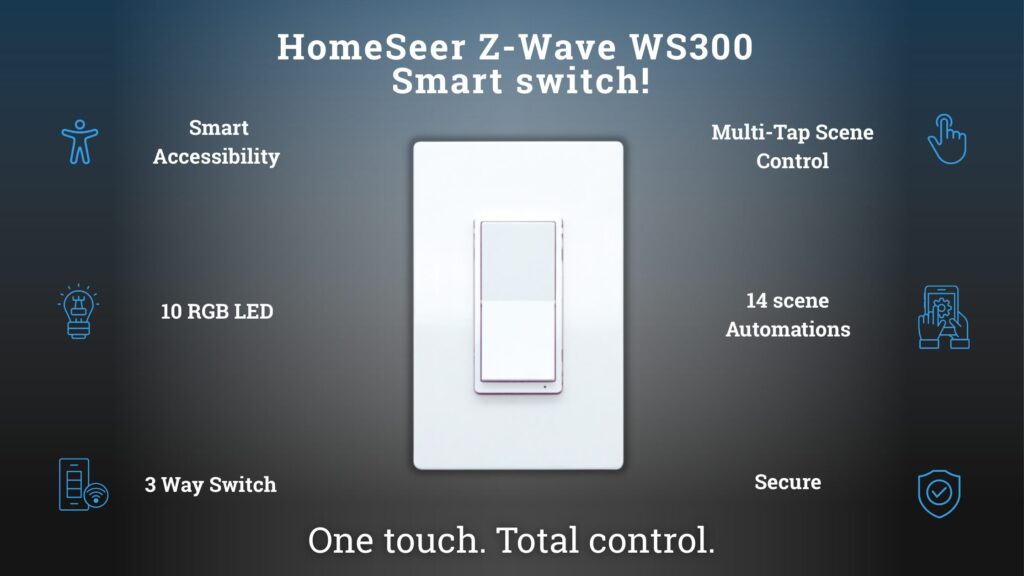
Firstly you would create an automation in your HS4 or other platform, and designate it to the WS300. The activation of this automation must be designated by a specific number of dedicated taps on the Top or Bottom paddles of the WS300’s. The number of taps is adjustable between 1-5, and you can implement several different automations on the same device. After you have designed your automation and assigned it to a multi-tap scene you have the ability to run it conveniently from your WS300.
For more instructions please read the User Guide for a more in depth information.
Ideas for Multi-taps
Everyone has a preferred method of interacting with their smart-space. The WS300 just gives you another method to do so. After talking with a lot of customers I have been given a multitude of examples of how they have implemented multi-taps into their systems.
Lighting
- Installation of a smart-switch at the entry way of a home. Allowing them to run a scene in which all or most of the lighting is activated.
- Installation of a smart-switch in the master bedroom. Allowing them to turn off all lights or activate night time mode where the lights are dim or color changed to red.
Garage door/ Smart Locks
- Installation of a smart-switch from the home office. Allowing the activation of smart-locks to allow entry to the home from a trusted guest.
- Installation of a smart-switch in a basement. Allowing the door to be opened to receive guests or amazon deliveries when notified so they would not have to cross the house.
Smart outlets
- Installation of a smart-switch at the front of the house. Allowing a dedicated scene to be saved for the holidays. Paired with a smart outlet that is dedicated to Christmas and Halloween decorations. Removing the need for an external outlet with a circuit leading inside the house.
- Installation of a smart-switch in a living room. Allowing the automation to control an antique lamp in a convenient and intuitive way.
- Installation of a smart-switch in a basement or a house. Allowing the remote control of a traditional dehumidifier that only needs to be run during certain seasons of the year.
Smart Pumps/Pools
- Installation of a smart-switch in a kitchen. To activate a smart-pump to fill or drain a pool without going outside.
Get your WS300 Today
If you are interested in multi-tap or smart-switches in general follow the link below to checkout the HomeSeer shop and get yours today!





1 thought on “The WS300 and Multi-taps”
The LEDs on the WS300 are also very useful. I use them as follows:
1) Blue: status light making it easy to see the switch in the dark
2) White: the load is on. The switch is inside the house but controls garage lights. I can see just by looking at the switch if the lights in my garage are on or off
3) Red: the main garage door is open
Comments are closed.